Best IPTV Devices in 2026: Smart TVs, Firestick and Android TV Boxes
Introduction
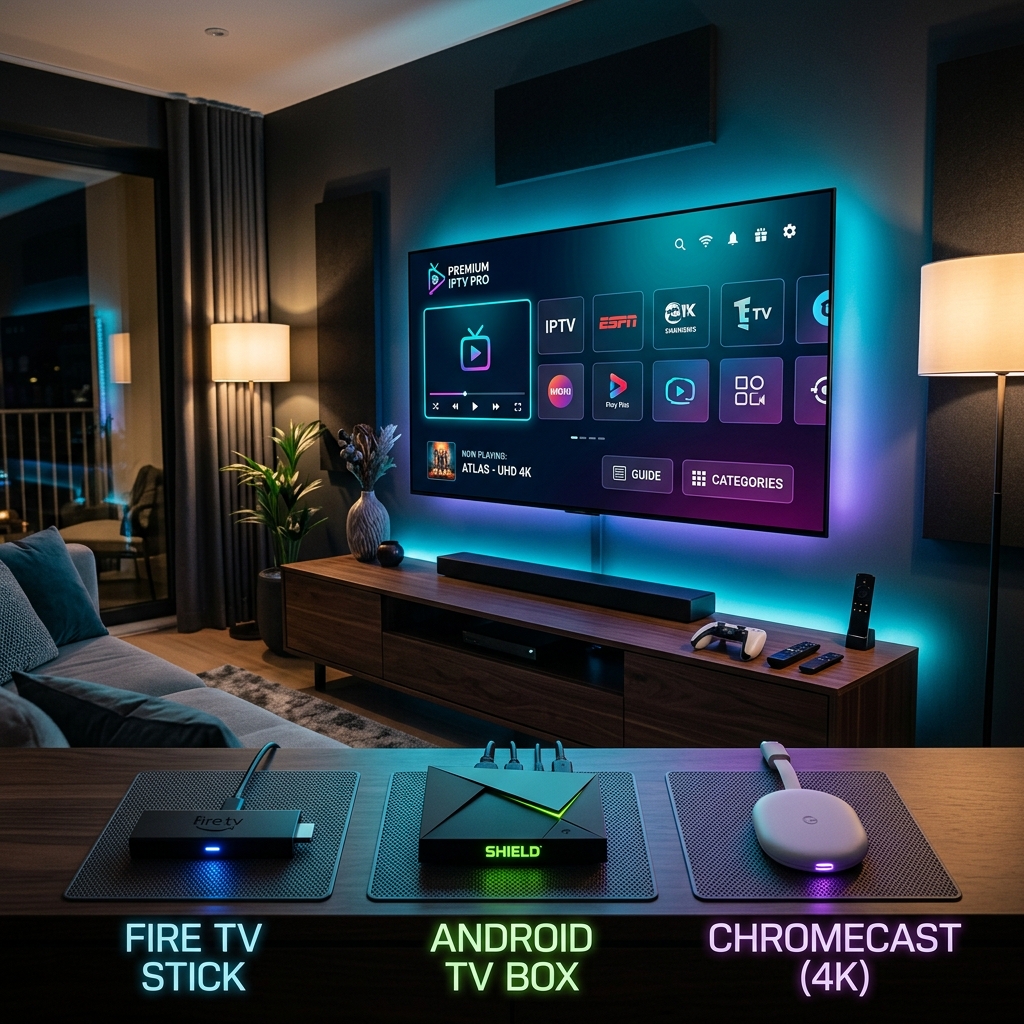
When you sign up for an IPTV service, one of the first questions you might ask is: What device do I need? The good news is that enjoying high-quality IPTV does not necessarily require buying a dedicated device.
Depending on your current living-room setup, you might be able to use your existing Smart TV, a Firestick you already own, an Android TV box, or another compatible streaming device. The best choice ultimately depends on your existing hardware, your TV's resolution, the IPTV player compatibility you need, your internet connection, your performance requirements, your budget, and how easy you want the setup process to be.
At ArgonTV, we believe in providing a seamless streaming experience across a wide range of hardware. In this guide, we will explore the best IPTV devices in 2026, comparing the most popular options so you can make an informed decision without overspending.
Quick Answer: Which Device Is Best for IPTV?
If you want a fast recommendation without diving into the technical details, here is a quick overview:
- Best for simplicity: A modern Smart TV. You won't need extra hardware or a second remote.
- Best for an easy upgrade: An Amazon Firestick. It's cheap, portable, and dramatically improves older TVs.
- Best for flexibility: A standard Android TV box. It offers a massive app store and broad IPTV player compatibility.
- Best for demanding users: Premium Android TV hardware (like the NVIDIA Shield). These provide the fastest navigation, best 4K scaling, and Ethernet ports for stable streaming.
Ultimately, the best choice depends on your TV, your home network, and your preferred IPTV player app.
Experience Ultimate 4K IPTV Streaming
Upgrade your entertainment with ArgonTV. Enjoy top-tier live sports, movies, and VOD in crystal-clear 4K. Experience zero buffering, anti-freeze technology, and instant delivery directly to all your favorite devices.
View Pricing PlansWhat Is an IPTV Device?
Before comparing hardware, it is important to understand the difference between three key elements of your streaming setup:
- The IPTV Service: This is the provider (like ArgonTV ) that supplies the actual live TV channels, VOD content, and EPG data.
- The IPTV Player: This is the software application (the app) you download to play the content.
- The IPTV Device: This is the physical hardware (your Smart TV, Firestick, or Android box) that runs the IPTV player and connects to the internet.
The IPTV service provides the content, while the device and player provide the interface and playback environment. Understanding this distinction is crucial because not every IPTV player is available on every device.
IPTV on Smart TVs
For many users, there is no need to purchase an additional streaming device if their Smart TV supports a compatible IPTV player. Modern televisions have powerful enough processors to handle live streaming applications directly.
Popular options include:
- Samsung Smart TVs: Running Tizen OS.
- LG Smart TVs: Running webOS.
- Android TV / Google TV: Found on brands like Sony, TCL, and Hisense.
Advantages of using a Smart TV:
- No extra hardware: You don't need to buy a separate box or stick.
- Simple setup: Everything is built into the television.
- One remote: You control the TV and the IPTV app with your standard television remote.
- Clean living-room setup: No extra wires, power cables, or HDMI ports occupied.
Limitations of using a Smart TV:
- App availability: Samsung and LG have custom operating systems, meaning they don't have access to the Google Play Store. Your choice of IPTV players will be limited.
- Hardware age: Older Smart TVs often have slow processors and limited memory, which can lead to a sluggish interface or buffering.
- App support: TV manufacturers sometimes stop updating the software on older models, eventually breaking compatibility with newer apps.
If you are wondering if your television is ready for streaming, check our ArgonTV compatible devices page to see the platforms we support.
IPTV on Firestick
The Amazon Fire TV Stick (Firestick) is arguably the most popular dedicated IPTV device in the world, and for good reason.
Why Firestick is popular for IPTV:
- Compact design: It plugs directly into the back of your TV out of sight.
- HDMI connection: It works with any television that has an HDMI port, instantly turning it into a "smart" TV.
- Dedicated remote: The included remote is fast, responsive, and often includes TV volume controls.
- App support: Since Fire OS is based on Android, it supports a massive ecosystem of compatible IPTV applications.
The Firestick is an excellent option for upgrading an older TV that has become too slow to run modern streaming apps. There are different performance tiers of Firesticks (Lite, standard, 4K, 4K Max), so you should choose a model appropriate for your TV resolution and performance needs. If you have a 1080p TV, a 4K Firestick isn't strictly necessary, though the faster processor will still make navigating the menus much smoother.
IPTV on Android TV Boxes
Android TV boxes are standalone media players that connect to your television. While a Firestick hides behind the TV, an Android box usually sits on your entertainment center.
Why Android TV boxes are attractive:
- Broad app availability: Full access to the Google Play Store means you can download almost any IPTV player you want.
- Flexible hardware choices: You can choose a budget box for simple streaming or a premium box for hardcore home theater setups.
- More storage options: Most boxes have USB ports, allowing you to expand storage or plug in peripherals.
- Connectivity: Many boxes include built-in Ethernet ports, which is vital for eliminating Wi-Fi buffering.
It is important to know that quality varies significantly between Android TV boxes. We strongly warn readers to avoid unknown, unbranded, or poorly supported hardware (often found on cheap marketplace listings). These generic boxes frequently run tablet versions of Android rather than the true Android TV OS, leading to a terrible user experience on a television screen.
When choosing an Android TV box, look for adequate RAM, a capable processor, true Android/Google TV certification, dual-band Wi-Fi, an Ethernet port, and guaranteed software updates.
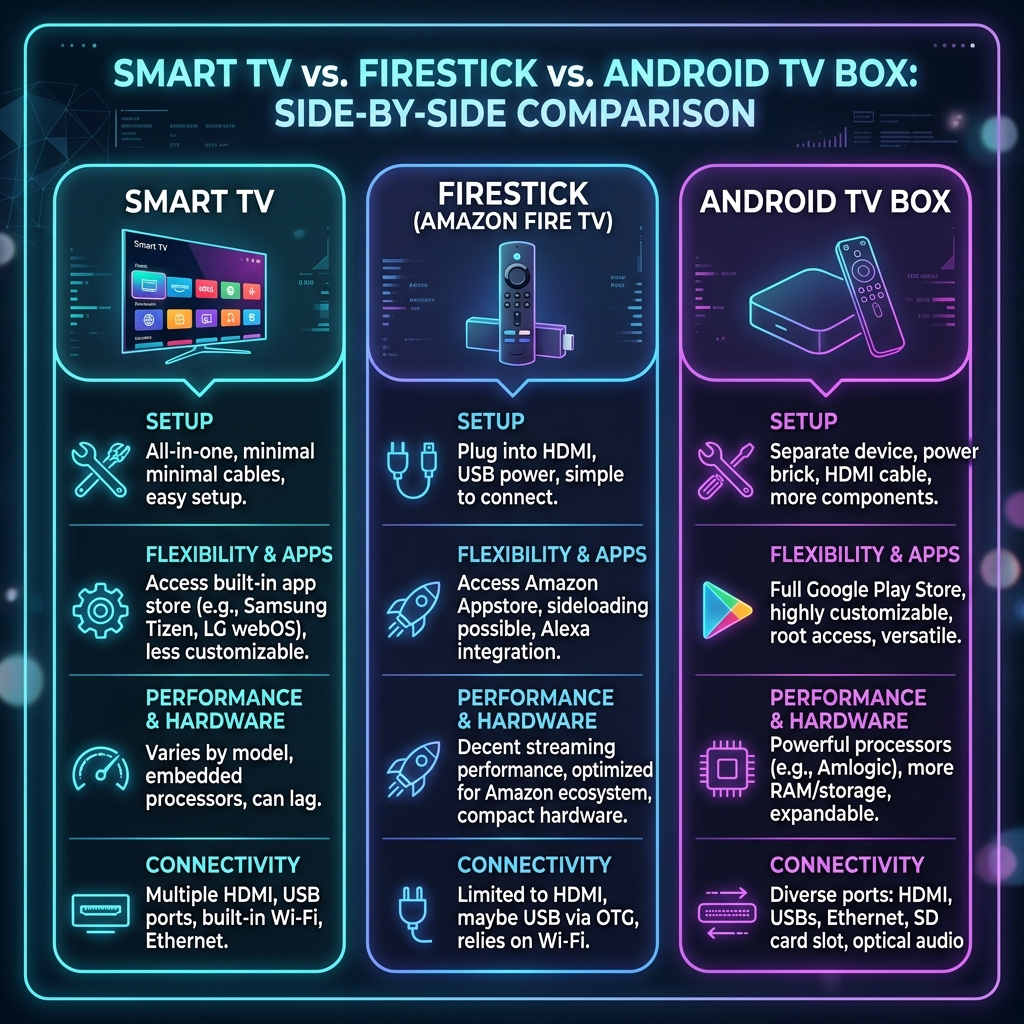 Visual comparison between Smart TV, Firestick, and Android TV Box for IPTV
Smart TV vs Firestick vs Android TV Box
To help you decide, here is a clear comparison between the three main options:
| Feature | Smart TV | Firestick | Android TV Box |
|---|---|---|---|
| Extra hardware required | No | Yes | Yes |
| Setup difficulty | Easy | Easy | Moderate |
| App flexibility | Depends on TV OS | Good | High |
| Portability | Low | High | Medium |
| Performance | Depends on the TV model | Depends on the Stick model | Depends on the hardware |
| Upgrade flexibility | Low (must replace TV) | Medium (cheap to replace) | High (many models available) |
| Best suited for | Existing Smart TV owners | A simple, cheap TV upgrade | Flexible/power users |
8 Things to Check Before Buying an IPTV Device
If you decide to purchase an external streaming device, keep these eight factors in mind:
1. Processor performance
The processor dictates how fast the device navigates menus, loads the EPG, and switches channels. A weak processor will result in a frustrating, laggy experience.
2. RAM
RAM is crucial for running demanding IPTV players, especially when loading massive playlists with thousands of channels. Look for a device with at least 2GB of RAM; 3GB or 4GB is ideal for power users.
3. Storage
While IPTV streams content rather than downloading it, you still need storage for the player apps, cache files, and EPG data. 8GB is the bare minimum, but 16GB provides comfortable breathing room.
4. 4K support
If you have a 4K television, ensure the device supports true 4K output at 60 frames per second (fps).
5. Codec support
The device needs to support modern video codecs (like H.265/HEVC and AV1) to ensure smooth playback and prevent black screens.
6. Wi-Fi and Ethernet
A strong internet connection is mandatory. Look for dual-band Wi-Fi (Wi-Fi 5 or Wi-Fi 6). An Ethernet port is highly recommended for maximum stability.
7. IPTV player compatibility
Ensure the device runs an operating system (like Android TV or Fire OS) that supports your preferred IPTV player applications.
8. Software updates
Avoid generic devices from unknown brands, as they rarely receive security or performance updates. Stick to reputable brands like Amazon, Google, NVIDIA, Xiaomi, or certified Android TV partners.
What Device Do You Need for 4K IPTV?
Many users want to enjoy the crispest picture possible, but 4K playback depends on much more than just buying a "4K device."
To watch 4K IPTV, you need:
- A 4K television.
- A device capable of decoding 4K streams.
- An IPTV service that actually provides 4K channels or 4K VOD content.
- An IPTV player that supports 4K rendering.
- A very fast internet connection (usually 25 Mbps or higher).
Buying a 4K Firestick or premium Android box will not automatically magically upscale a standard 720p channel into true 4K. The source stream must be 4K.
Experience Ultimate 4K IPTV Streaming
Upgrade your entertainment with ArgonTV. Enjoy top-tier live sports, movies, and VOD in crystal-clear 4K. Experience zero buffering, anti-freeze technology, and instant delivery directly to all your favorite devices.
View Pricing PlansHow Internet Speed Affects IPTV Device Performance
You can buy the most expensive Android TV box on the market, but if your internet connection is poor, your IPTV experience will be terrible.
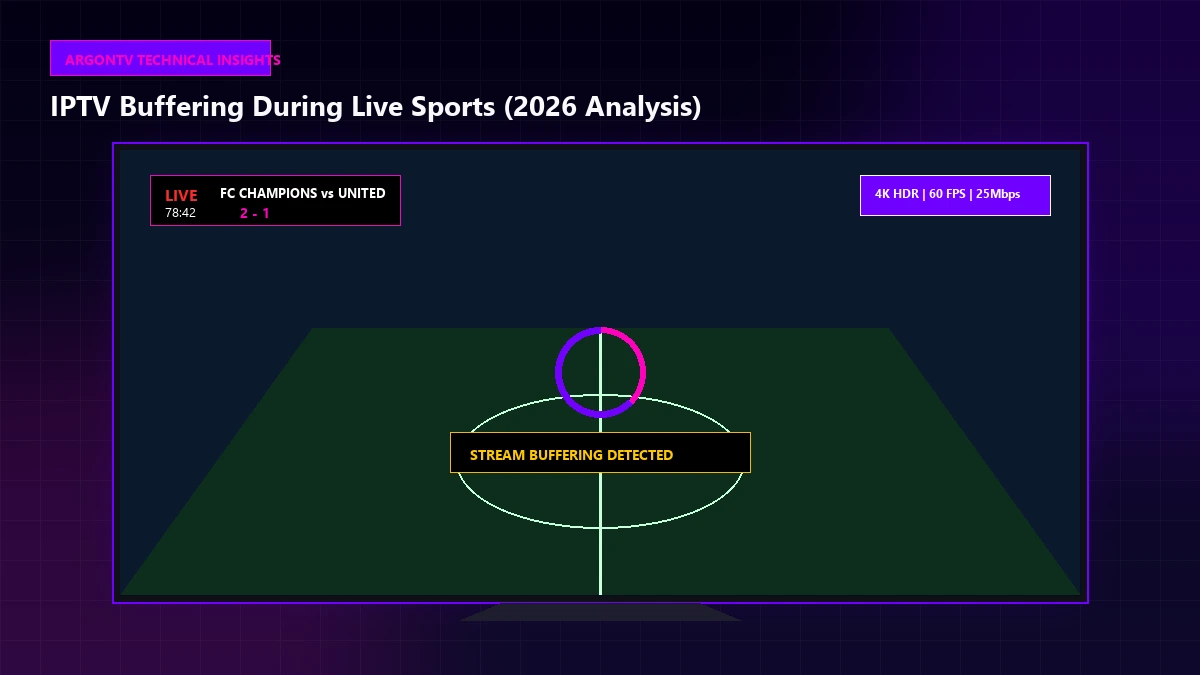
A powerful device cannot compensate for an unstable connection. Your download speed needs to be fast enough (at least 15 Mbps for Full HD), but more importantly, your connection stability must be rock solid. Wi-Fi interference from walls, microwaves, or neighboring networks can cause constant buffering.
If your device has an Ethernet port, use it. A hardwired connection is the single biggest upgrade you can make to your IPTV setup, completely eliminating Wi-Fi-related drops.
Choosing an IPTV Player for Your Device
Remember that the IPTV service and IPTV player are separate components. The device you choose dictates which players you can install.
- Samsung/LG Smart TVs: You are limited to the players available in their specific app stores (like Smart IPTV, SET IPTV, or Net IPTV).
- Fire TV: You can install apps from the Amazon Appstore or "sideload" popular Android IPTV players (like TiviMate or IPTV Smarters).
- Android TV / Google TV: You have the most flexibility, with direct access to the Google Play Store's massive library of IPTV apps.
- Apple TV / iOS: You must use players approved in the Apple App Store (like GSE Smart IPTV or iPlayTV).
For detailed setup instructions, visit the ArgonTV Installation guide to see which players we recommend for each platform.
Best IPTV Device for Beginners
If you are entirely new to IPTV, you should prioritize a device with a simple setup, a reliable remote, and easy application installation.
Our recommendation: Stick to what you know. If you have a modern Smart TV, try setting up a player directly on it first. If your TV is too old or confusing, an Amazon Firestick is the most beginner-friendly external device. It plugs in easily, the remote is intuitive, and installing an IPTV player takes only a few minutes.
Best IPTV Device for Advanced Users
Power users who demand the absolute best experience need different hardware. If you require large playlists, lightning-fast navigation, extensive storage, and zero lag, you need high-end hardware.
Our recommendation: A premium, certified Android TV box. Devices like the NVIDIA Shield TV Pro offer desktop-level processors, AI upscaling, massive RAM, and Gigabit Ethernet ports. These devices never struggle, even when loading an EPG with 10,000 channels.
Do You Need to Buy a New Device for IPTV?
The short answer is no. If you already have a modern Smart TV (manufactured in the last 3-4 years), you should consider using it first. It is the cheapest and cleanest option.
You only need an external device if:
- Your TV is old and slow.
- Your TV's app store lacks good IPTV players.
- You are experiencing constant buffering that is caused by your TV's weak processor or poor internal Wi-Fi antenna.
- You want the advanced features and customization that an Android OS provides.
By testing your current Smart TV first, you can avoid unnecessary spending.
 ArgonTV premium IPTV streaming on a compatible large-screen device
Using ArgonTV on Compatible Devices
At ArgonTV, we have built our service to be as flexible as possible. You are not locked into proprietary hardware or forced to buy a specific box.
Our service is verified to work on a vast array of supported platforms, including:
- Android TV and Google TV televisions (Sony, TCL, Hisense).
- Amazon Firestick and Fire TV devices.
- Android smartphones and tablets.
- Windows and Mac computers via Web Player or compatible software.
- Mag Boxes and STB emulators.
We provide comprehensive setup instructions for these platforms on the ArgonTV Setup page, ensuring you can get your service running smoothly regardless of the hardware you choose.
How to Choose the Right IPTV Device for You
If you are still unsure, use this simple decision guide:
- If you already have a modern Smart TV: Consider using it first to save money and avoid extra remotes.
- If your TV is older but has an HDMI port: Consider a Firestick or a basic Google TV streaming stick for a cheap, massive performance upgrade.
- If you want maximum app flexibility: Consider a certified Android TV box to access the full Google Play Store.
- If you want high-performance playback and zero lag: Look for premium hardware with at least 3GB of RAM and a built-in Ethernet port.
- If you want 4K: Make sure your TV, the streaming device, the IPTV player, your internet speed, and the IPTV stream all support it.
Common IPTV Device Buying Mistakes
To save yourself a headache, avoid these common buying mistakes:
- Buying based only on price: Ultra-cheap, generic Android boxes often have terrible Wi-Fi, fake specifications, and never receive software updates.
- Buying an unknown Android box: Stick to certified brands to ensure compatibility with modern streaming standards.
- Ignoring app compatibility: Don't buy a device without checking if your favorite IPTV player is available on its operating system.
- Buying 4K hardware for a non-4K TV: There is no need to spend extra on a 4K device if your television is only 1080p (unless you want the faster processor).
- Ignoring Wi-Fi quality: Buying an expensive device won't fix buffering if your router is on the other side of the house.
- Assuming the device itself guarantees no buffering: Buffering is primarily related to your network and the IPTV provider's servers, not just the hardware.
Frequently Asked Questions
Conclusion
Choosing the best IPTV device in 2026 comes down to evaluating your current hardware, internet connection, and personal viewing habits.
If you have a modern Smart TV, try using the built-in apps first. If you need a cheap and effective upgrade for an older television, a Firestick is a fantastic choice. For those who demand high performance, massive app flexibility, and stable Ethernet connections, a certified Android TV box is the ultimate solution. Remember that regardless of the device you choose, a stable internet connection and compatible IPTV player are essential for smooth 4K and HD playback.
Ready to test your device with a premium streaming service? Explore ArgonTV Pricing today and experience the ultimate in live TV and VOD entertainment.