How to Watch Live Sports with IPTV: Complete Guide

If you are tired of missing the biggest matches due to complicated broadcasting rights and expensive traditional cable packages, you might be wondering how to watch live sports with IPTV.
Internet Protocol Television (IPTV) has fundamentally changed how fans follow their favorite teams, offering unparalleled access to live sporting events worldwide.
In this comprehensive guide, we'll explain exactly what you need to get started, how to set up your devices, and how to ensure the best possible streaming quality so you never miss a crucial goal or touchdown.
A person watching live sports on an IPTV setup
What Is IPTV for Live Sports?
Instead of relying on a satellite dish or a physical cable connection, IPTV delivers live television and sports content directly through your internet connection.
This means you can stream live sports directly to your Smart TV, phone, tablet, or computer. As long as you have a stable internet connection and a compatible device, you can access live matches from anywhere in your home—or even on the go.
Experience Ultimate 4K IPTV Streaming
Upgrade your entertainment with ArgonTV. Enjoy top-tier live sports, movies, and VOD in crystal-clear 4K. Experience zero buffering, anti-freeze technology, and instant delivery directly to all your favorite devices.
View Pricing PlansWhat Do You Need to Watch Live Sports With IPTV?
Getting started is surprisingly simple. To watch live sports with IPTV, you only need four basic components:
- An IPTV Service/Subscription: A reliable provider, such as the ArgonTV platform, that delivers the channel streams.
- A Compatible Streaming Device: A Smart TV, Android TV box, Firestick, smartphone, tablet, or computer.
- An IPTV Application: A software player (like Smarters Pro, Tivimate, or XCIPTV) to load and display the channels.
- A Stable Internet Connection: A consistent, high-speed connection to prevent buffering during live action.
How to Watch Live Sports With IPTV
Follow these step-by-step instructions to set up your sports viewing experience:
Step 1: Choose an IPTV Service
Select a premium IPTV provider that prioritizes server stability. The service should offer the specific live sports coverage you want to watch. If you haven't chosen one yet, read our IPTV Subscription Guide for tips on what to look for.
Step 2: Check Sports and Channel Availability
Before committing to a long-term plan, verify that the provider actually carries the channels broadcasting your favorite sports. Review their channel list or take advantage of a trial if available.
Step 3: Choose a Compatible Device
Decide where you want to watch. Most users prefer watching sports on a large screen, making Smart TVs or dedicated streaming boxes (like Android TV or Firestick) the most popular choices. For detailed device setups, see our guide on how to set up IPTV on a Smart TV.
 Various compatible devices for watching live sports with IPTV
Step 4: Set Up Your IPTV Application
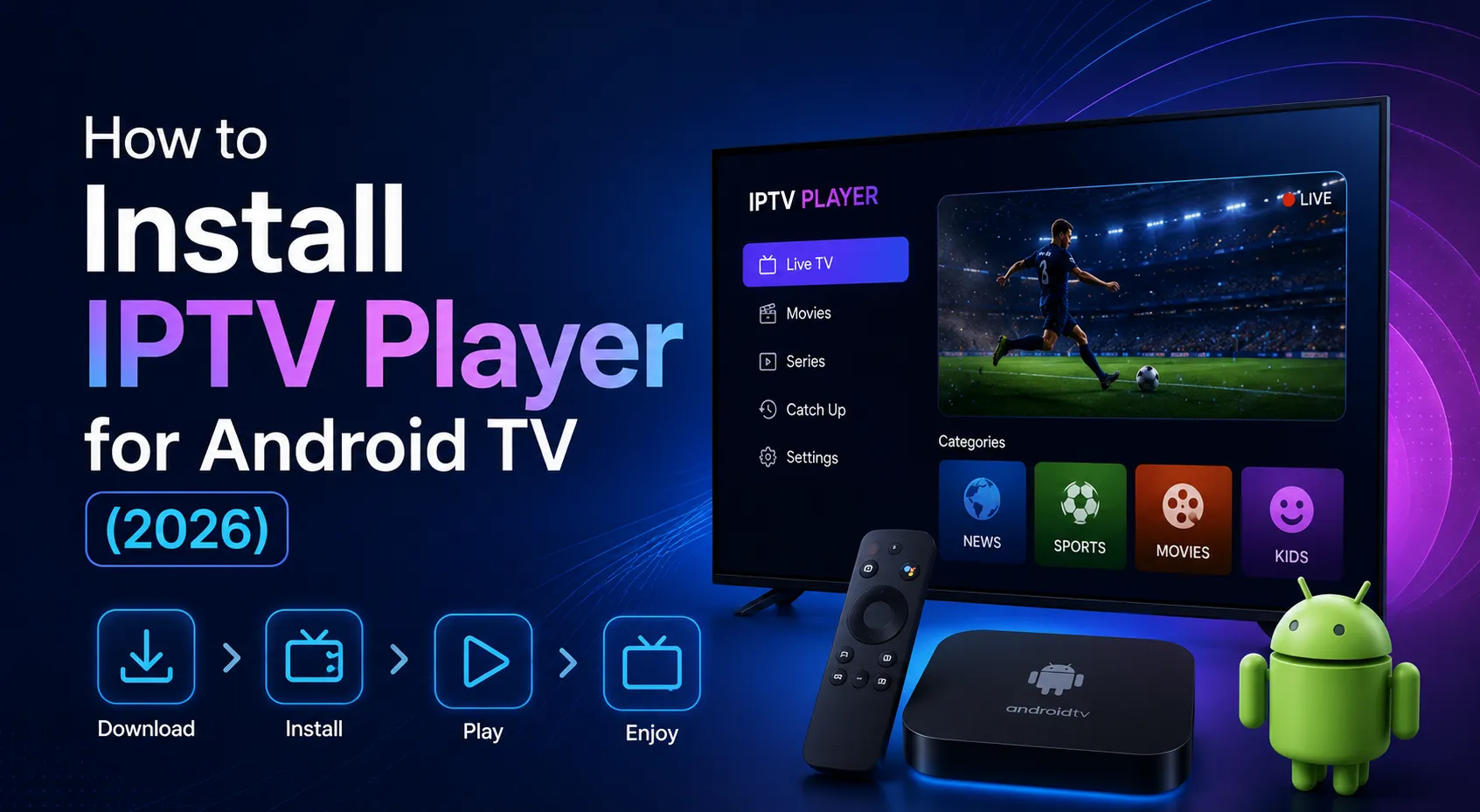
Download a compatible IPTV player onto your device. Open the app and enter the subscription information provided by your service. This is usually provided as an M3U playlist URL or Xtream Codes API login credentials.
Step 5: Find the Live Sports Channel
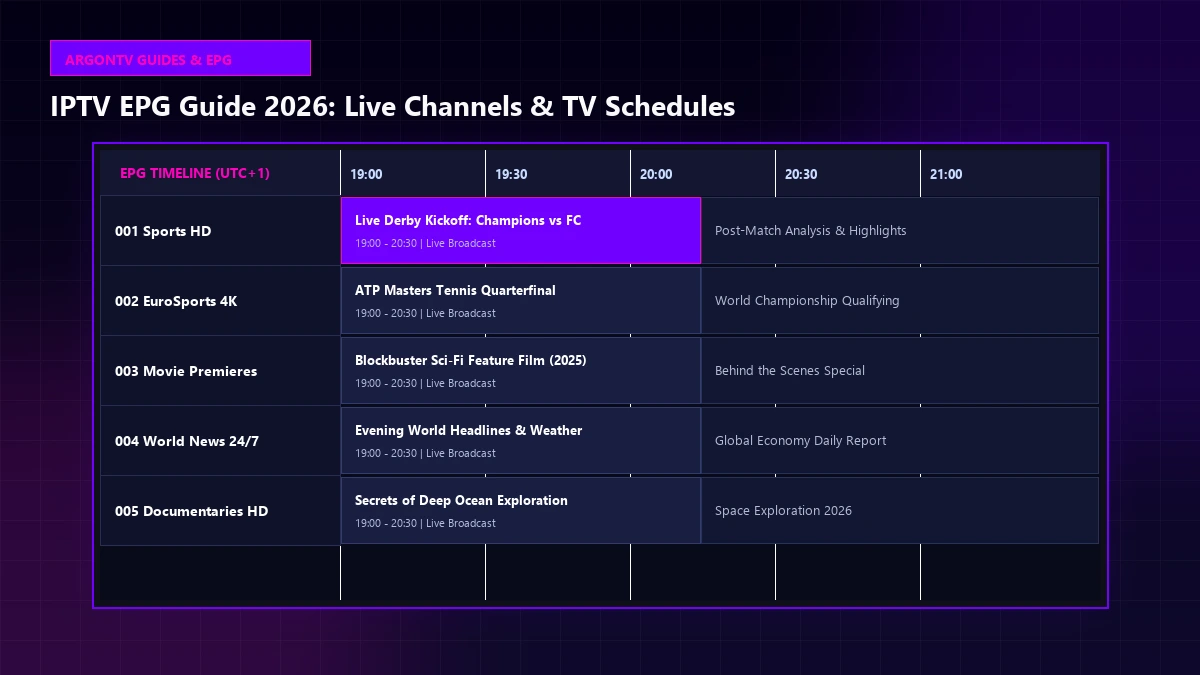
Once the playlist loads, navigate to the sports category or use the application's EPG (Electronic Program Guide) to find the live event you want to watch.
Step 6: Start Watching
Select the channel and enjoy the match. If the stream takes a few seconds to load initially, this is completely normal.
Which Devices Can You Use for Live Sports IPTV?
One of the massive benefits of IPTV is device flexibility. You can watch live sports on almost any modern screen:
- Smart TVs: Native apps on Samsung (Tizen) and LG (webOS) televisions.
- Android TV & Google TV: Streaming boxes, Nvidia Shield, and Sony/Philips TVs. See our Android TV setup guide.
- Amazon Fire TV / Firestick: Highly popular due to their low cost and ease of use.
- Mobile Devices: Android phones, iPhones, and iPads for watching sports on the go.
- Computers: Windows PCs and Macs using dedicated software or web players.
- Apple TV: Premium streaming hardware compatible with several top-tier IPTV apps.
To see which devices are best supported by ArgonTV IPTV, check our supported devices page.
 A person watching live sports on a modern mobile device
What Internet Speed Do You Need for Live Sports IPTV?
Live sports streaming requires a consistent connection to handle fast-moving action without pixelation. Your internet speed requirements depend heavily on the video resolution:
- Standard Definition (SD): Minimum 5 Mbps
- High Definition (HD) / 720p: Minimum 10 Mbps
- Full HD (1080p): Minimum 15-20 Mbps
- 4K Ultra HD: Minimum 25-50 Mbps
Important Note: These are minimum stable speeds. An unstable 100 Mbps connection that frequently drops data packets will cause more buffering than a perfectly stable 30 Mbps connection.
Experience Ultimate 4K IPTV Streaming
Upgrade your entertainment with ArgonTV. Enjoy top-tier live sports, movies, and VOD in crystal-clear 4K. Experience zero buffering, anti-freeze technology, and instant delivery directly to all your favorite devices.
View Pricing PlansHow to Get Better IPTV Quality for Live Sports
To ensure the best possible viewing experience during crucial sporting moments, follow these tips:
- Use an Ethernet Cable: Whenever practical, connect your Smart TV or streaming box directly to your router with an Ethernet cable. This eliminates Wi-Fi interference entirely.
- Improve Wi-Fi Signal: If you must use Wi-Fi, ensure your device is connected to the 5GHz band and is relatively close to the router.
- Reduce Network Traffic: Close bandwidth-heavy applications and pause large downloads on other devices while watching a live match.
- Restart Your Router: If you experience sudden quality drops, restarting your home router can often clear temporary congestion.
- Avoid Bad VPN Routing: If you use a VPN, connect to a server geographically close to you to reduce latency. If the VPN makes the stream slower, try disabling it.
 A premium home theater setup for watching high-quality live sports via IPTV
How to Fix IPTV Buffering During Live Sports
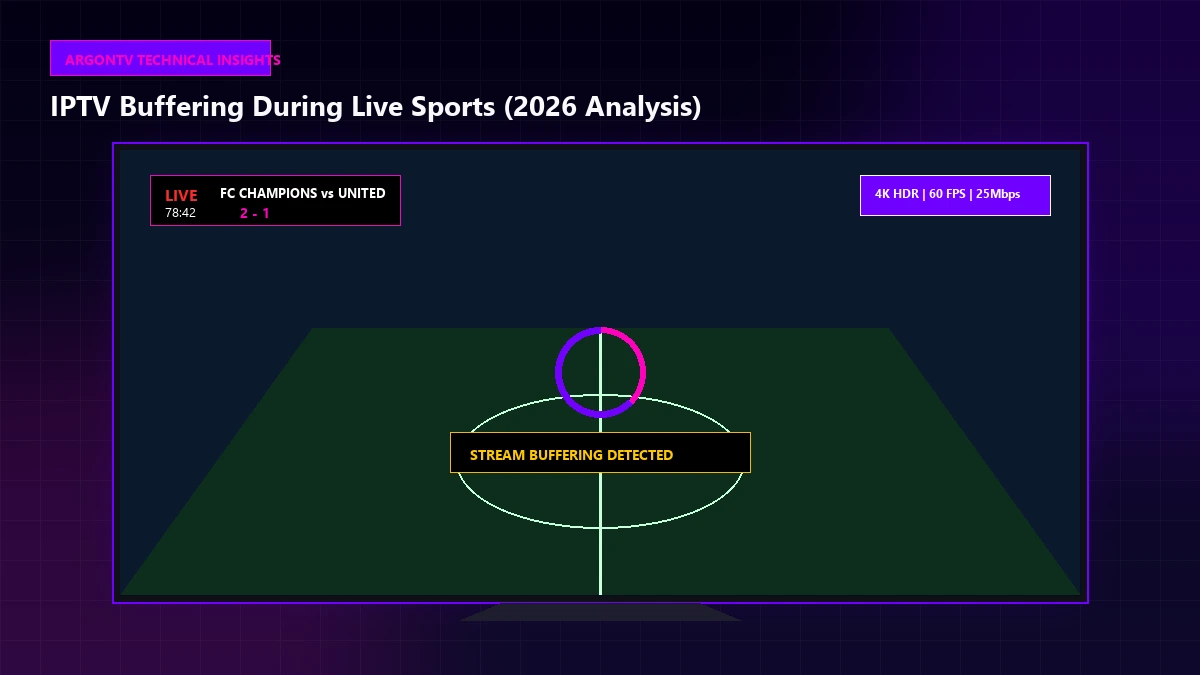
Nothing ruins a live game faster than the screen freezing right before a goal.
If you encounter IPTV buffering during live sports, the issue is typically caused by one of three things: your local internet connection, your streaming device's processing power, or the IPTV provider's server capacity.
To troubleshoot effectively, read our comprehensive guide on what to do when IPTV is not working today.
If your stream doesn't freeze entirely but the picture becomes extremely blurry or pixelated during fast-paced action, your player is likely downgrading the resolution to prevent buffering. For solutions to this specific issue, check out our guide on fixing IPTV quality drops during streaming.
How to Choose an IPTV Service for Sports
When selecting a provider specifically for sports, keep this practical checklist in mind:
- Content Availability: Do they cover the specific leagues and events you watch?
- Streaming Quality: Do they offer stable 50fps/60fps streams for smooth sports playback?
- Reliability: Do their servers hold up during high-traffic events like major finals?
- Device Compatibility: Will it work on your preferred living room TV?
- EPG: Do they provide an accurate TV guide so you know exactly when matches start?
- Customer Support: Can you get help if an app update breaks your setup?
Watching Live Sports With ArgonTV
For fans wondering how to watch live sports with IPTV without the constant headaches of buffering and poor quality, the ArgonTV service offers a premium solution.
We focus on delivering high stability and broad device compatibility so you can enjoy the game on your terms. When you browse our ArgonTV pricing, you'll see that our infrastructure is designed to handle high-demand viewing, ensuring that your stream remains clear and consistent from the opening whistle to the final seconds. Should you ever need assistance, our contact team is ready to help, and our comprehensive FAQ section can answer your most pressing questions.
Frequently Asked Questions
Conclusion
Learning how to watch live sports with IPTV is the first step toward a more flexible and enjoyable viewing experience. By ensuring you have a capable streaming device, a highly stable internet connection, and a reputable premium provider, you can enjoy all the live action in crystal-clear quality.
Take the time to optimize your home network, and you'll rarely have to worry about missing a crucial moment again.